
- Instagram passed three billion monthly users in 2025, and about half of the time spent in the app now goes on video, much of it from accounts people do not follow.
- Most accounts can now make Reels of up to three minutes, but length should follow the idea: Instagram's own 2026 guide calls 15 to 60 seconds the main sweet spot.
- Instagram's head has named watch time, likes and sends as the three signals that matter most for ranking. Make Reels people watch to the end and want to send to a friend.
- Original content wins: Instagram favours originals over reposts and advises against watermarked, blurry or recycled videos. Posts are now limited to five hashtags.
- Posting three to five times a week is the sweet spot for steady growth in Buffer's study of 2.1 million posts, and quality still beats volume.
What Instagram Reels are in 2026
Reels are Instagram's short, vertical videos: clips you record or upload, edit with music, text and effects, and publish to your profile, the Reels tab and other people's feeds. Unlike Stories, they stay on your profile, and unlike ordinary feed posts, they are built to be recommended to people who do not follow you yet. That second point is why they matter so much to a brand.
The scale is hard to ignore. Instagram passed three billion monthly users in 2025, and about half of the time people spend in the app now goes on video, much of it from accounts they do not follow, as PetaPixel reported, drawing on Bloomberg. In the UK, DataReportal's Digital 2026 report puts Instagram's advertising reach at 35.5 million people, about half the population.
The format itself has grown up. In January 2025 Instagram raised the maximum length of a Reel from 90 seconds to three minutes and changed the profile grid from squares to taller rectangles, because most of what people upload is now vertical, as Business Today reported. Instagram has since added a free editing app, trial Reels for testing ideas on non-followers, and a cap of five hashtags per post, all covered below.
When this guide first appeared in March 2025, it quoted figures that have since moved on, such as a 90 second limit. Everything here has been checked against current sources and our own work, and it is written for brands and the people who run their accounts, not only for creators.
Reels or TikTok: what is different
Instagram Reels and TikTok look alike, and many brands post the same videos to both. That is a reasonable starting point, but it is rarely the best one, and we learned that the practical way.
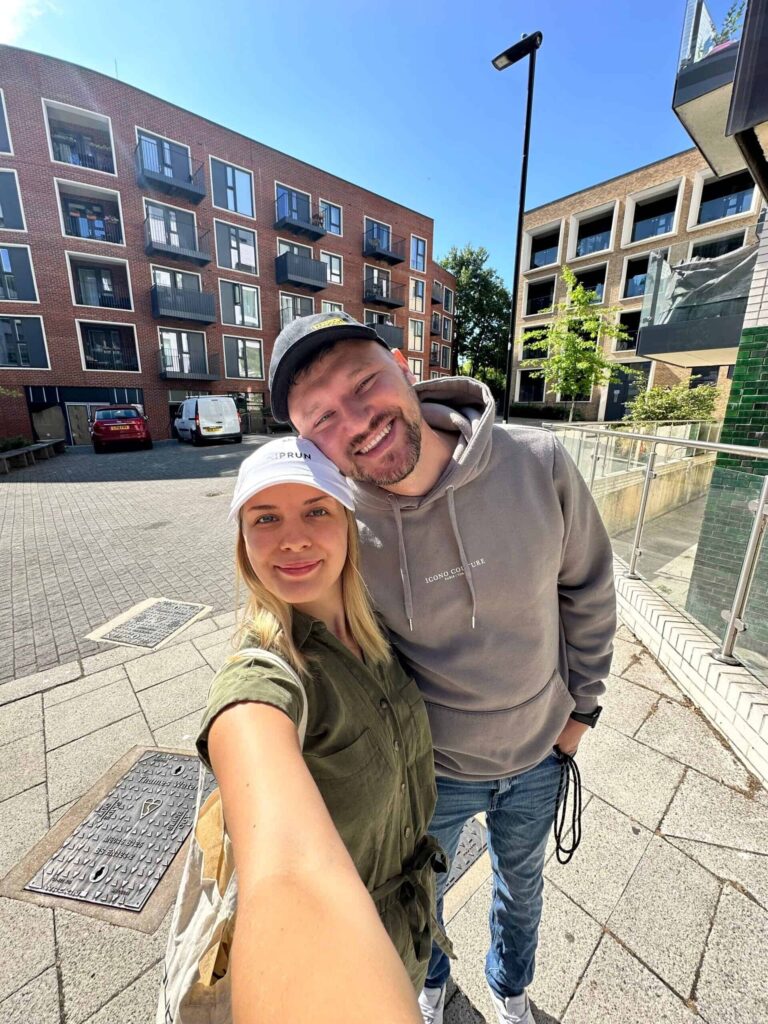
When Dragos started posting our own videos, he uploaded exactly the same edit to both platforms. It quickly became clear that a video that did well on Instagram might not do well on TikTok, and the other way round. So we began cutting the same clips twice. The Instagram version got music and a much faster edit, because that is what our audience there responded to. The TikTok version had no music over it and kept some bits of our conversation in, so people could enjoy a rawer, more natural version of the same moment. Same footage, two different videos, and both did better than the shared edit had.
The lesson for a brand: film once, edit twice. Keep the raw footage, then make a version that suits each platform's pace and sound. Never upload a video with another platform's watermark on it, for reasons covered in the section on how Reels are picked. If TikTok is part of your plans, our guide to TikTok management in the UK covers it in depth.
Why brands use Reels
Reels are not the only format worth using. In Socialinsider's 2026 Instagram benchmarks, based on 35 million posts from 2025, carousels had a slightly higher engagement rate (0.55 percent) than Reels (0.52 percent), with single images well behind at 0.37 percent. So the honest case for Reels is not that they always get the most likes. It is that they reach people who have never heard of you.
- Reach beyond your followersReels are designed to be recommended in the Reels tab, Explore and feeds to people who do not follow you. For a brand trying to grow, that is the main reason to make them.
- A stronger sense of who you areVideo shows the people, the place and the personality behind a business far better than a still picture. That is what makes a stranger trust you enough to follow, visit or buy.
- Reaching the right peopleInstagram's recommendation system shows Reels to people whose viewing suggests they will be interested. Since December 2025, people in the US can also adjust the topics behind their Reels recommendations with a tool called Your Algorithm, which Search Engine Land notes could help brands in a clear niche reach people who have asked for more of it.
- Low cost to startA phone, good light and Instagram's own free tools are enough to start. You do not need expensive equipment to make Reels that work; you need a clear idea and a strong first second.
- Content that works twiceA good Reel can become a Story, a TikTok, a YouTube Short and, with the right rights in place, an advert. One afternoon of filming can feed several weeks of posts.
The best results usually come from mixing formats: Reels to reach new people, carousels to teach and keep your followers engaged, and Stories for day to day contact. If you want to see how your current posts compare, our Instagram engagement rate calculator gives you a quick benchmark.
Plan before you film
The Reels that work are nearly always planned. Before you press record, decide three things: what the Reel is about, who it is for, and what you want them to do after watching. Then sketch it, even roughly, shot by shot. A storyboard on the back of an envelope saves an hour of filming the wrong things.
Choose the length for the idea, not the other way round. Instagram's own 2026 guide to making Reels, as reported by iPhone in Canada, splits it like this:
Whatever the length, the first second decides whether anyone sees the rest. Open on the most interesting moment, the result, the question or a face looking at the camera, not on a logo or a slow pan. Put a short line of text on screen at the start that tells people why to keep watching. Then make sure the Reel pays off that promise before the end, because people who feel misled do not watch to the end, and watch time is one of the signals Instagram values most.
A few ideas that work reliably for brands: a behind the scenes look at how something is made; a before and after; a common customer question answered in 30 seconds; a day in the life of the team; a product in real use rather than on a white background; and a customer's own video, shared with permission. For hotels and restaurants, our guide to hotel social media content has many more.
Creating your first Reel, step by step
Instagram's menus move around from time to time, but the steps have stayed broadly the same. On a business or creator account:
- Open the Reels cameraTap the plus button and choose Reel. You can record in the app, or tap the gallery to upload clips you have already filmed. Filming in your phone's own camera and uploading usually gives better quality and more control.
- Record in clips or in one takeHold the record button for each clip, or use the timer and countdown for hands-free filming. Use the align tool, which shows a faint overlay of the last frame, to line up transitions and outfit changes.
- Fix mistakes as you goDelete, re-record or trim any clip. Nothing is published until you choose to share it.
- Add audioChoose a track from the music library, keep your original sound, or record a voiceover. The next section covers what a business account can use.
- Add text and captionsPlace text on screen and set when it appears. Turn on automatic captions, because many people watch with the sound off.
- Write the caption and choose a coverLead the caption with the point of the Reel, add a clear next step, and use up to five relevant hashtags. Pick a cover frame that reads well on your profile grid.
- Add the detailsTag products, people or collaborators, add a location and topics, and decide whether to share to Facebook too. Then tap Share.
Two habits make every Reel better. Film in good light, ideally facing a window, and hold the phone steady or use a small tripod. And before you share, watch the Reel once with the sound off and once on someone else's phone if you can; you will spot what is unclear straight away.

Adding music and audio
Sound does a lot of the work in a Reel. The right track sets the mood in the first second, a voiceover explains what the pictures cannot, and a well-placed sound effect adds emphasis or a laugh. To add music in the app:
- Select your clipsRecord or upload them as above, then move to the editing screen.
- Open the audio libraryTap the music or audio button to browse tracks, search for one, or see what is trending.
- Choose and trimPick a track and select the exact part of the song you want, so the strongest moment lands where your best clip is.
- Balance the volumeUse the audio mixer to balance your original sound, the music and any voiceover. Instagram's 2026 guide points to this mixer for keeping speech clear over a track.
There is one rule that catches many brands out. Music on Instagram is licensed differently for personal and business use. Sprintlaw's 2025 guide for UK businesses explains that business profiles have access to a much smaller royalty-free selection, that many tracks are only available to personal accounts, and that mainstream tracks usually cannot be used for advertising. Giving the artist credit does not make it legal; permission does. If your Reel might become an advert, use the business library, properly licensed music or your own audio from the start.
Editing Reels like a professional
Editing is where an ordinary clip becomes a Reel people watch to the end. Instagram's in-app editor lets you reorder and split clips, trim, adjust speed, add transitions, stickers and text, and fine-tune contrast and sharpness. For more control, Meta's free Edits app, launched on 22 April 2025, adds a precise timeline, automatic captions, video overlays, a green screen and high quality exports with no watermark, which you can share straight to Instagram or anywhere else.
- Cut faster than feels naturalTrim the pauses, the setting up and the walking into shot. Most Reels lose viewers in the gaps, not in the content.
- Caption everythingTurn on automatic captions or the captions sticker, then correct any mistakes. Captions make a Reel work with the sound off and for people who are deaf or hard of hearing.
- Keep the important parts centralInterface buttons and the caption cover the edges and the bottom of the screen, and the profile grid now crops to a taller rectangle. Keep faces, products and text in the middle.
- Export in the right shapeUse high resolution, vertical 9 by 16 video with no borders, as Instagram's own advice to creators recommends; 1080 by 1920 pixels is the standard size.
- Use templates wiselyReels templates fit your clips to the beat of a popular track automatically, which saves time. Change the clips, timing and text so the result still looks like your brand.
If you film something good but the edit is the part you dread, that is often the easiest piece to hand over. Our ad creative packages and UGC (user generated content) packages deliver finished, edited videos ready to post or run as adverts.
How Instagram picks which Reels to show
Nobody outside Instagram knows the full workings of its recommendation system, but Instagram has said a great deal about what it values, and that is enough to work with.
In January 2025, Instagram's head Adam Mosseri said the three signals that matter most for ranking are watch time, likes and sends, and advised creators to watch average watch time, likes per reach and sends per reach in their insights, as Social Media Today reported. He added that likes count slightly more for reaching your followers, and sends slightly more for reaching people who do not follow you yet.
Instagram also gives you a safe way to experiment. Trial Reels, launched for eligible creators in December 2024, are shown first only to people who do not follow you, as Business Today reported. After about a day you see how the trial performed, and you can share it with your followers by hand or have Instagram do so automatically if it does well within 72 hours. It is an ideal way to test a new style without risking your main feed.
And one piece of the old advice still stands: enjoy it. Reels made by people who are having fun tend to be more watchable, and that shows up in the one signal you cannot fake, which is whether people watch to the end.

How often and when to post
Consistency matters, but the right frequency is the one you can keep up without the quality dropping. The best public evidence comes from Buffer's study of 2.1 million Instagram posts from 102,000 accounts, published in August 2025. It found that three to five posts a week is the sweet spot for steady growth: it more than doubled follower growth compared with one or two posts a week and gave about 12 percent more reach per post. Posting more often helped further, with smaller gains each time, and weeks with no posts at all fell below an account's normal growth.
The study combined Reels, carousels and pictures, so treat it as guidance on overall posting rather than a target for Reels alone. For most brands we work with, a realistic rhythm is two to four Reels a week alongside carousels and Stories, planned a month ahead and filmed in batches.
Timing matters less than it used to, because Reels keep being recommended for days after they are posted, but it still helps to publish when your audience is active, so the first viewers arrive quickly. Your own insights show when your followers are online. For a starting point for UK audiences, our free best time to post tool suggests slots by platform and sector.
Above all, quality wins over quantity. One Reel a week that people watch to the end and send to friends will do more for a brand than daily Reels nobody finishes.
See Reels we have made
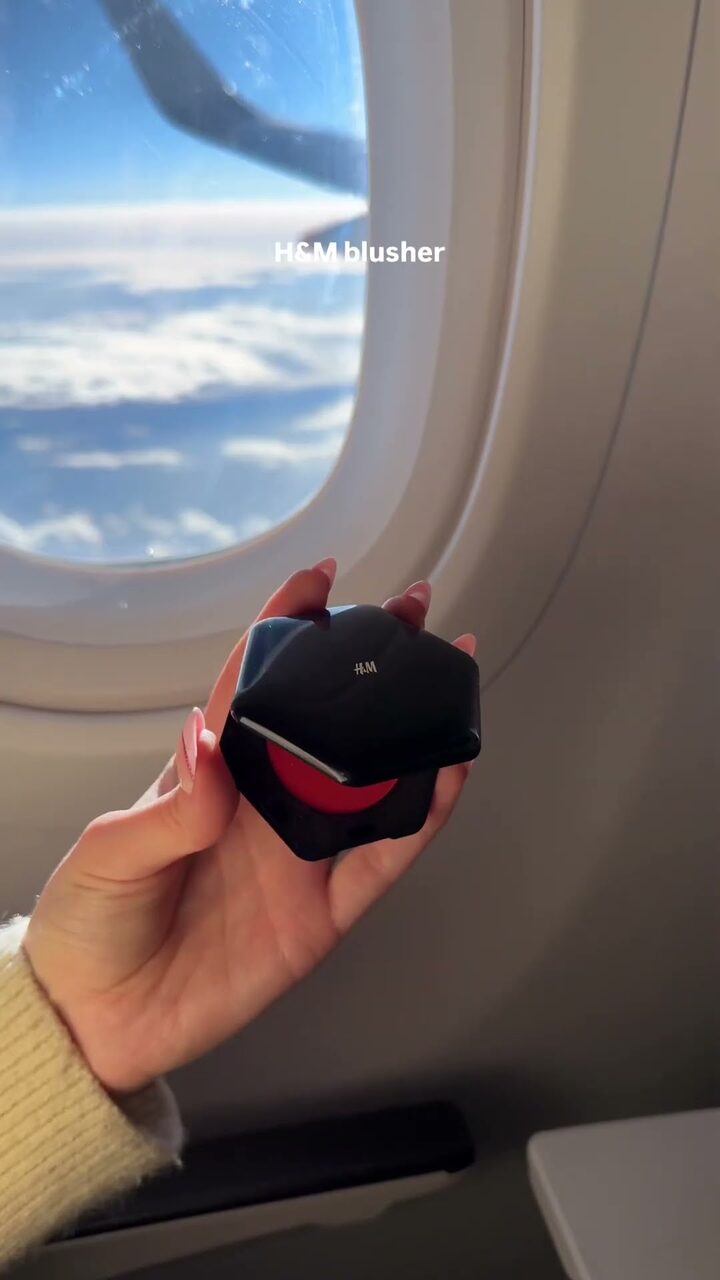
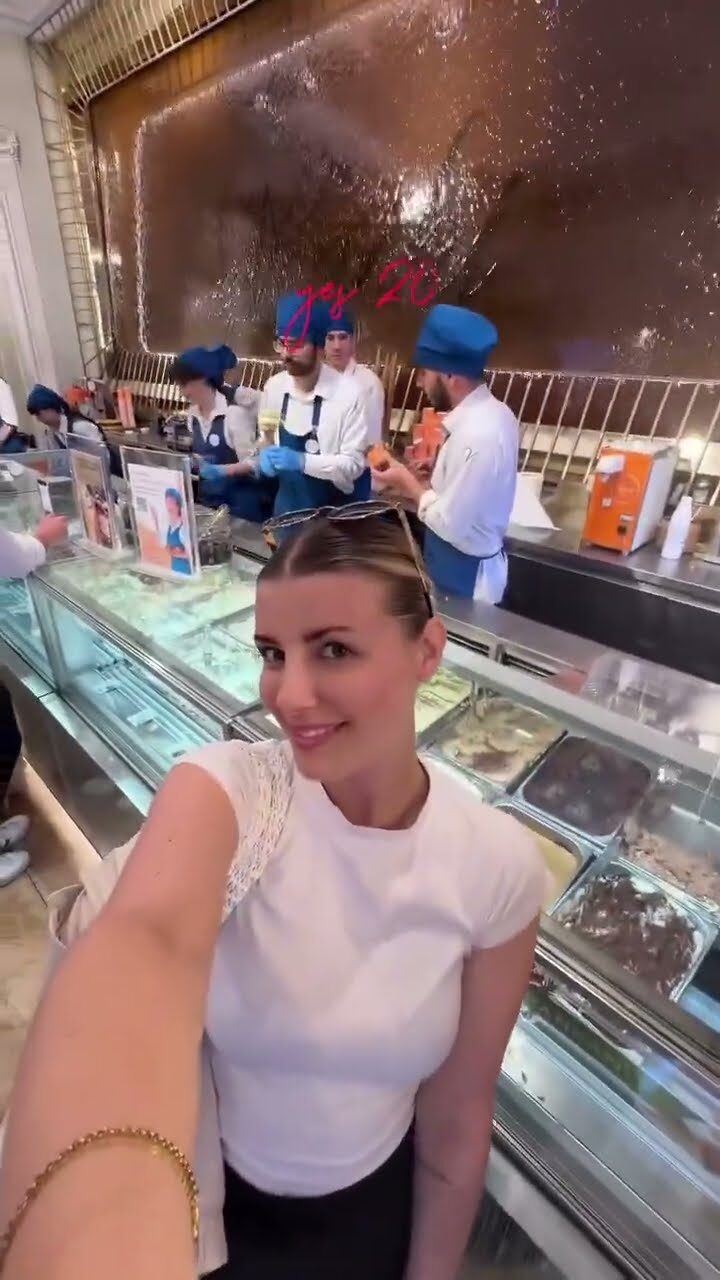
Tap a video to play it. There is more on our work pages.
Boosting a Reel
Boosting turns a published Reel into an advert: you pay for it to be shown to more people. On a business account, open the Reel, tap Boost, then choose a goal, an audience, a budget and how long it runs. It is the simplest form of Instagram advertising, and it works best on Reels that have already proved themselves with your followers.
Not every Reel can be boosted. Hootsuite's guide lists the usual reasons: copyrighted music, GIFs, some interactive stickers (such as question and mention stickers), effects from outside developers, low resolution, and not having a business account. Planning a Reel with licensed or original audio from the start avoids the most common problem.
Boost with a purpose: a launch, a seasonal offer, an event, or a Reel that is already doing well. If a creator or influencer appears in a paid Reel, UK advertising rules also apply. The ASA's guide to making clear that ads are ads explains how to label it, and our guide to the CAP Code on social media covers the rules for brands.
Measuring how your Reels perform
Since August 2024, Views has been Instagram's main metric across Reels, posts and Stories, replacing plays and impressions, as Social Samosa reported. Views count repeat watches, so look at accounts reached alongside them to see how many different people you are getting to.
- Views and reachHow many times the Reel was watched and by how many accounts, including the share that did not already follow you.
- Average watch timeHow long people stay. Compare it with the length of the Reel: if most people leave in the first three seconds, the opening needs work.
- Sends per reachHow often people share the Reel in messages, divided by its reach. Mosseri singled this out as a key number for reaching new people.
- Likes, comments and savesSignals of how much people valued the Reel. Saves suggest it was useful enough to come back to.
- Follows and profile visitsWhether the Reel made people want more of you, which is the point for a growing brand.
Instagram's own insights cover all of this for free, and Meta Business Suite lets you see several profiles and set goals in one place. Paid tools such as Sprout Social, Iconosquare and Pallyy add custom dashboards, exports and comparisons over time. Whatever you use, check the same numbers on the same day each month and write down what you will change. That habit improves Reels faster than any tool.
Using Reels to grow a business
For a brand, Reels are a means to an end: more of the right people finding you, trusting you and acting. A few tactics turn views into that.
Interactive features help too: polls and questions in Stories that point back to a Reel, augmented reality effects where they suit the brand, and trends adapted to your own world rather than copied. The thread running through all of it is originality. Instagram rewards it, and so do people.
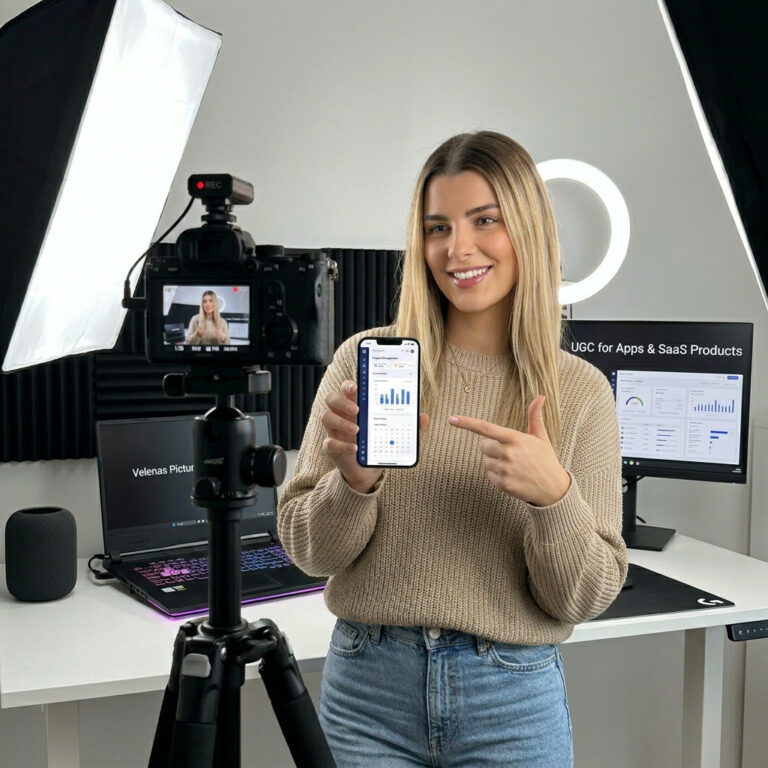
If you would rather have Reels planned, filmed and edited for you, our social media plans include them, and our UGC Monthly Plan delivers three new videos every month in the range you choose.
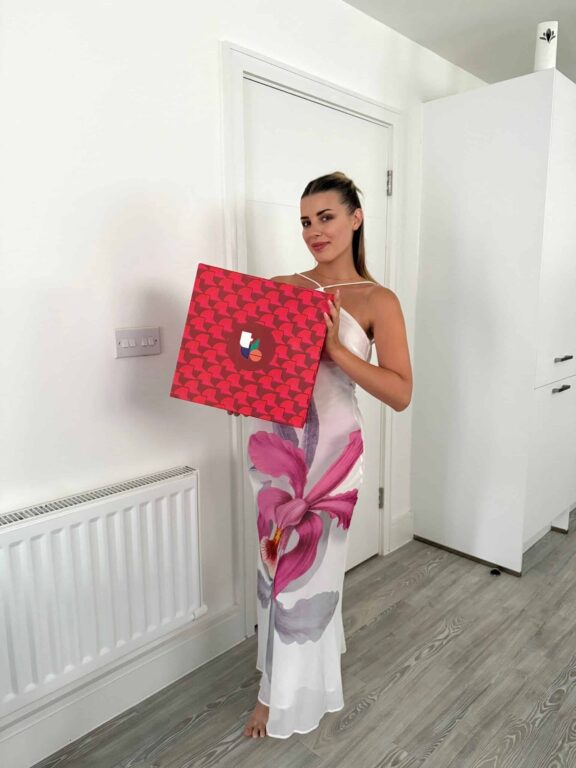
Our guide to Instagram management in the UK explains what a managed Instagram account includes, and the Purgatory Bar case study shows Reels at work for a London venue that has been with us since 2023.

In short
Mastering Reels in 2026 comes down to a handful of habits. Plan each Reel around one idea and a strong first second. Choose the length for the idea. Use licensed or original sound. Caption everything and keep the important parts in the middle of the frame. Make original videos, never watermarked reposts, and use up to five specific hashtags. Post three to five times a week if you can keep the quality up. Then check watch time, sends and reach each month, and change one thing at a time.
Instagram will keep changing; it has changed a great deal since this guide first appeared. The principles behind it have not: make things people want to watch to the end and share with someone they know.
Instagram Reels: questions
What is the maximum length of an Instagram Reel?
Three minutes for most accounts, since Instagram raised the limit from 90 seconds in January 2025. Longer is not always better: Instagram's own 2026 guide calls 15 to 60 seconds the main sweet spot, and suggests one to three minutes for detailed stories and guides.
How can I get more views on my Reels?
Open with the most interesting moment, keep it tight, caption it, and make something people want to send to a friend. Instagram's head has named watch time, likes and sends as the top ranking signals. Post original videos without watermarks and use up to five specific hashtags.
How many hashtags should I use on a Reel?
Up to five, which is now Instagram's limit for posts and Reels. Choose specific hashtags that describe the Reel and its subject. Generic tags such as #reels or #explore do not help.
How often should a brand post Reels?
Buffer's study of 2.1 million posts found three to five posts a week is the sweet spot for steady growth. For most brands that means two to four Reels a week alongside carousels and Stories. Only post more if the quality holds up.
Can a business account use any music in Reels?
No. Business profiles have a smaller royalty-free library, and mainstream tracks usually cannot be used for advertising. Reels with copyrighted music also cannot be boosted. Use the business library, licensed music or your own audio.
Can I post my TikTok videos as Reels?
Yes, but remove the TikTok watermark first by exporting the original file, and ideally re-edit for Instagram. Instagram advises against watermarked or recycled Reels and favours original content in its recommendations.
How do I measure Reels performance?
Use Instagram's insights for views, reach, average watch time, sends, likes, saves and follows. Meta Business Suite covers several profiles in one place, and paid tools such as Sprout Social, Iconosquare or Pallyy add dashboards and exports.
What are trial Reels?
Trial Reels are shown first only to people who do not follow you, so you can test an idea without it appearing on your profile. After about a day you see how it performed, and you can then share it with your followers.
What are some advanced tips for Reels?
Reply to comments with a Reel, collaborate with complementary accounts, use real customers and creators on camera, test new styles as trial Reels, and adapt trends to your own world rather than copying them.
- PetaPixel, Instagram passes 3 billion monthly users, September 2025
- DataReportal, Digital 2026: The United Kingdom
- Business Today, 3 minute Reels and a new profile grid, January 2025
- iPhone in Canada, Instagram's 2026 guide to making Reels, September 2026
- Socialinsider, 2026 Instagram organic benchmarks
- Search Engine Land, Instagram's Your Algorithm tool, December 2025
- Sprintlaw, music in Instagram Reels for UK businesses, September 2025
- Meta for Creators, Edits video creation app, April 2025
- Social Media Today, Instagram shares algorithm insights, January 2025
- TechCrunch, Instagram favours original creators, April 2024
- Instagram for Creators, what creators need to know about recommendations
- Social Samosa, Instagram limits hashtags to five per post (December 2025)
- Business Today, Instagram launches trial Reels, December 2024
- Buffer, how often to post on Instagram, data from 2 million posts, August 2025
- Hootsuite, why you cannot boost a Reel
- ASA, Influencers' guide to making clear that ads are ads
- Social Samosa, Instagram makes Views its main metric, August 2024
A question this article did not answer? Ask our team, and a person will reply.