

Image tools, 2026
Image converter that resizes as well as converts, entirely in your browser
Converting a six thousand pixel photograph to WebP still leaves you with a six thousand pixel photograph. Resizing is the step that actually makes a page fast, and the previous version of this tool could not do it. Now it does, with twelve presets covering websites and every social placement, a target file size mode, and filenames rewritten for search.
Free, no sign up, no watermark, no upload
Images are one part of site speed. The audit covers the rest. The converter is free forever and works anywhere, and we take clients outside the UK as well as in it. Prices are in pounds sterling and no VAT is added. If you are ordering from outside the UK your card issuer sets the exchange rate, and anything due in your own country is outside our invoice.
The converter
Drop images in, pick a size and a format, take them out
Up to fifty at a time. Every step happens on your own device, including the resizing, so nothing is uploaded and nothing is fetched from anywhere else while the tool runs.
1. Size
The step most converters skip. A 6000 pixel photo at 1920 is a fraction of the weight and looks identical on a screen.
2. Format and quality
Eighty to eighty five is the usual sweet spot.
Overrides quality and searches for the highest setting that fits underneath it.
3. Filenames
Search engines read filenames. Leave blank to keep the originals, tidied into lowercase and hyphens.
Your images
Metadata is removed. Camera model, timestamp and any GPS coordinates in the original are not carried into the converted file. For web use that is what you want, because a photograph taken at home can otherwise publish your address.
What changed
Converting without resizing solves the smaller half of the problem
The previous version of this page described our own workflow accurately: resize to 1920 pixels, then convert to WebP at 85 per cent. It then offered a tool that could only do the second step. These are the six things it does now.
- 01It resizes, with twelve presets
Website at 1920 or 1200 pixels on the longest edge, Instagram square, portrait and story, Facebook, LinkedIn, Pinterest, a YouTube thumbnail, an Open Graph share card and email at 600 pixels wide. Website presets fit inside the box and never enlarge a small image. Social presets crop to the exact ratio from the centre, because a platform will crop it anyway and doing it here means you choose what survives.
- 02You can ask for a file size instead of a quality
Type a ceiling in kilobytes and the tool searches for the highest quality that fits underneath it, rather than making you guess at the slider and check afterwards. Useful when a platform, a client or a page budget gives you a hard number to hit.
- 03Filenames are rewritten properly
Search engines read image filenames, and a camera gives you something meaningless. Type a description once and every file in the batch is renamed to a clean lowercase hyphenated version of it, numbered in order. Leave it blank and the originals are tidied rather than replaced.
- 04Transparency is handled deliberately
JPEG cannot store transparency, so those pixels have to become something. Most converters silently fill them black, which is almost never wanted. This one asks, and defaults to white. If you need the transparency kept, WebP and PNG both hold it.
- 05Metadata does not survive the conversion
Camera model, timestamp and GPS coordinates are all dropped. That is a smaller file and, more importantly, a photograph taken at home that no longer publishes your address. Worth knowing before you convert an archive you meant to keep intact.
- 06Nothing is uploaded and nothing is fetched
Every step runs on your device using the browser's own image handling. There is no upload, no sign up and no external library loaded, which also means the tool cannot break because somebody else's server did.
On formats, the short version: WebP is the safe default and holds transparency, AVIF produces the smallest files but takes noticeably longer to encode, JPEG is for email and older software, and PNG is worth it only when you genuinely need lossless or transparency. If you are replacing images on an existing site and want one answer rather than four, use WebP at 85 per cent and resize to 1920.
Where these images come from
Three pieces we filmed, and the stills that go with them
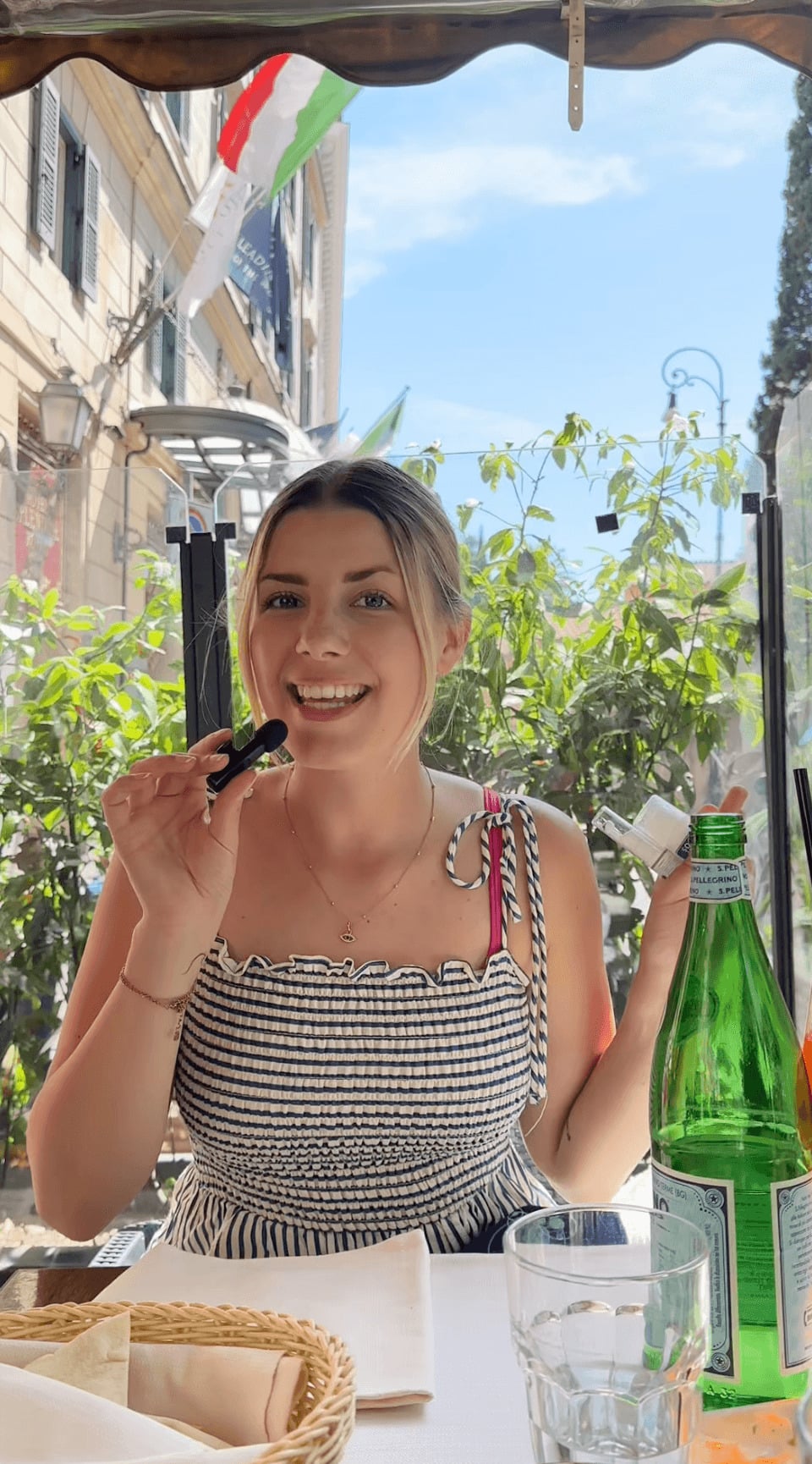
Every shoot produces hundreds of frames that need resizing before they go anywhere near a website. This is the work that generates them, for brands including Headmasters and the Snaptrip Group travel portfolio. Click any to play, nothing loads until you do.
Ice cream, close up
45 seconds, built for the feed
Food and drinkA hotel room reveal
Filmed on a working stay
HotelsA salon visit
Filmed at Headmasters
BeautyAll three were filmed and edited by the two of us. The full library is in the UGC portfolio.
How we actually use this on client sites
Photographs off a shoot are usually eight to fifteen megabytes at six thousand pixels wide. Nothing on a website needs that. The pipeline is always the same and takes minutes rather than an afternoon.
Resize first, convert second
Resizing is where nearly all of the saving comes from, and format conversion is the smaller gain on top. Convert a six thousand pixel image to WebP without resizing and you still have a six thousand pixel image, just in a newer wrapper. Take the longest edge to 1920 first and the file falls dramatically before the format has done anything at all.
Name the file before you upload it
Image search reads filenames, and a camera gives you a serial number. Renaming a batch to something descriptive takes seconds here and cannot be done afterwards without breaking every link that points at it. Do it once, at this stage, and it is done for the life of the image.
Serve more than one format where you control the stack
On a build where we own the templates, we output WebP and AVIF and let the browser choose, with a JPEG behind both as a last resort. On an existing site, that is usually more trouble than it is worth: WebP alone at a sensible size gets most of the benefit with none of the risk.
Where the images are not the problem
Image weight is one input into page speed and often the largest, but a site can also be slow because of render blocking scripts, an overloaded theme or a host that is simply not fast enough. If images are handled and the site is still slow, the WooCommerce store audit covers the rest. If the images themselves need making rather than shrinking, that is the UGC portfolio.
Monthly plans
When the whole channel needs running, not just the images

Small Business Social Pack
£149 per month
12 static posts, 1 platform, content creation done for you
View Small Business Social Pack- Most chosen
Rolling monthly, 2 months notice, no setup fees. All plans on the social media management page.



Frequently asked questions
No, and nothing is fetched either. Every step, including the resizing, runs on your own device using the browser's built in image handling. There is no upload, no sign up and no external library loaded, which is also why the tool cannot stop working because somebody else's server did.
Resizing is where nearly all of the saving comes from, and this tool does both in one pass. Converting a six thousand pixel photograph to a modern format still leaves a six thousand pixel photograph. Take the longest edge to 1920 for a website and the file falls dramatically before the format has contributed anything.
WebP for almost everything, because it is widely supported, holds transparency and compresses well. AVIF when you want the smallest possible file and can accept slower encoding. JPEG for email and older software. PNG only when you genuinely need lossless quality or transparency, since it produces much larger files than the alternatives.
Eighty to eighty five per cent suits most web images, where the loss is hard to see outside a side by side comparison. Below about seventy you start to notice banding in smooth gradients such as skies. If you have a file size to hit instead, use the target size field and the tool finds the highest quality that fits.
JPEG cannot store transparency, so those pixels must become a solid colour. Most converters fill them black without asking, which is rarely what anyone wants. This tool asks and defaults to white. To keep the transparency, choose WebP or PNG instead, since both support it.
No, and that is deliberate. Camera model, timestamp and any GPS coordinates are dropped during conversion. For web use that is what you want, since a photograph taken at home can otherwise publish your address. If you need metadata kept for archival purposes, use a desktop tool rather than this one.
AVIF achieves its smaller files by doing considerably more work per pixel, which takes time in a browser where a build server would not notice. On a large batch the difference is obvious. WebP gives you most of the size benefit for a fraction of the processing, which is why it is the default here.
The tool tests whether your browser can encode AVIF and disables the option when it cannot, rather than letting you select it and fail. Older browsers and some managed corporate devices are the usual cause. WebP is the right choice in that situation and the difference in file size is smaller than most people expect.
Fifty at a time, though the practical limit is your own device. Very large images or long batches consume memory, and a phone will struggle before a laptop does. Twenty at a time is comfortable almost anywhere. Files are processed one after another rather than all at once, specifically so a large batch does not overwhelm the browser.
Search engines read image filenames as a signal of what the picture shows, and a camera gives you a serial number that says nothing. Renaming is easy at this stage and awkward afterwards, because changing a filename on a live site breaks every link pointing at it. Type a description once and the whole batch is renamed in order.
Instagram square is 1080 by 1080, portrait is 1080 by 1350, and stories and Reels covers are 1080 by 1920. Facebook and LinkedIn posts sit around 1200 by 630, Pinterest suits 1000 by 1500 and a YouTube thumbnail is 1280 by 720. All are presets here, and each crops from the centre so you decide what survives rather than the platform deciding for you.
Some information is discarded by JPEG, WebP and AVIF, which is how they achieve their file sizes, but at the recommended settings the difference is not visible in normal viewing. PNG discards nothing at all. Resizing also removes detail by definition, which is why the presets never enlarge an image that is already smaller than the target.
Our channels
If you would rather watch than read
Velena and Dragos
Travel, food and influencer content from the two of us, and the channel where the long form work lives.
Open the channelVelena Lifestyle
The agency channel. UGC examples, client work and finished campaign videos.
Open the channel
Methodology, and what this tool cannot do
How it works. Images are decoded by the browser, drawn to a canvas at the target dimensions and re encoded in the format you choose. Website presets scale to fit inside the box and never enlarge. Social presets crop to the exact ratio from the centre. The target size mode runs a binary search across quality settings to find the highest that fits under your ceiling.
How it was checked. The resize arithmetic was verified against six cases before this page shipped, including the two that matter most: a 6000 by 4000 photograph reduced to 1920 by 1280 on the longest edge, and an 800 pixel image left untouched rather than enlarged. Zero mismatches.
No external library. The previous version loaded a ZIP library from elsewhere in order to bundle downloads. That is a network request on a page whose promise is that nothing is fetched, so it has been removed and files download in sequence instead. Slightly less tidy, and the claim on the page is now literally true.
What it cannot do. It cannot preserve metadata, cannot produce a multi format picture element for you, and cannot tell you whether your site is slow for reasons other than images. It also cannot beat a dedicated build pipeline on encoding quality, because a browser gives every tool the same encoder.
The rest of the free tools
Ten tools, all built for the UK market, all free with no sign up and no email capture. Nothing here is a trial.
- QR code generatorTwelve code types with PNG and SVG export, built into the page
- UTM link builderTag a link and see which GA4 channel it will land in
- Social media ROI calculatorBreak-even ROAS, max cost per customer and incrementality adjusted return
- Instagram engagement rate calculatorBrands and creators benchmarked separately, by tier, industry and format
- Free social media auditThirty six questions weighted for your kind of business, no email
- UGC rate calculatorWhat creators should charge and what brands should budget
- Best time to postPosting windows across eight platforms in UK clock time, with a heatmap
- Bio generatorEight platforms, real character limits and a truncation preview
- Hashtag generatorSix platforms, twenty six industries, restricted tags screened out
- The whole libraryEvery free tool in one place, with new ones added regularly
Client reviews
What clients say, word for word
“Fantastic service. Been a client for 3 years now and have seen fantastic results, increased viewers, followers and viral videos. Copywriting was on point and has been used in magazines like Conde Nast, Timeout and more.”
Darrell Johnston, Owner, No Escape London and Purgatory Bar. Google review, 5.0.“Velena Lifestyle have been a breath of fresh air for our social media accounts. Their professionalism and knowledge have supported us massively.”
Sean Thompson, Head of Marketing, Snaptrip Group. Google review, 5.0.“Velena was a pleasure to work with, she worked solely with the brief provided and was even ahead of her deadline. The content produced was clean, professional and on brand. We would love to work with Velena again in the very near future.”
Lauryn Middleton, Social Media Manager, Smirk. Client testimonial, October 2023.Every review is reproduced word for word. Read them all on the reviews page.
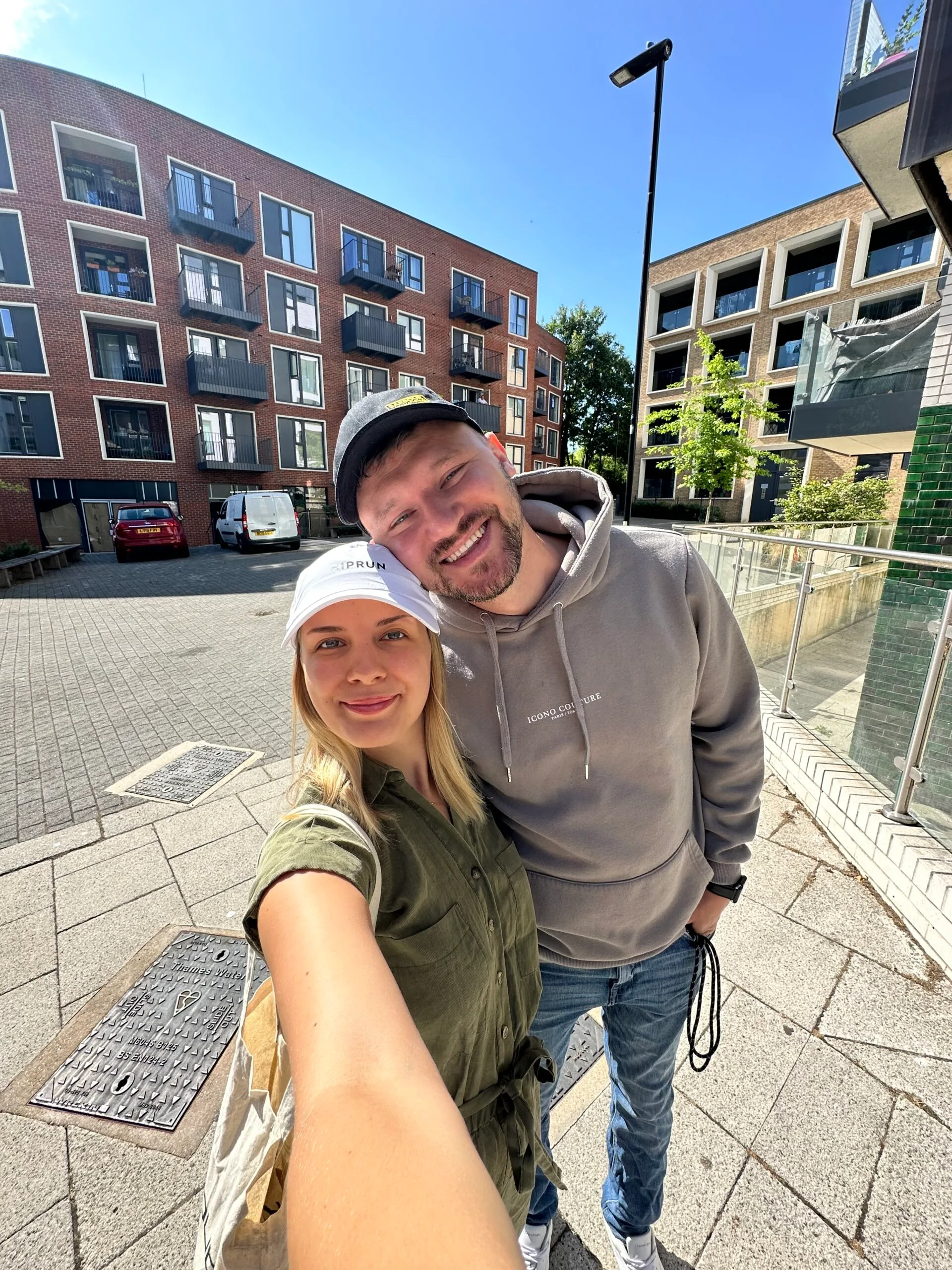
The two of us
Who built this tool
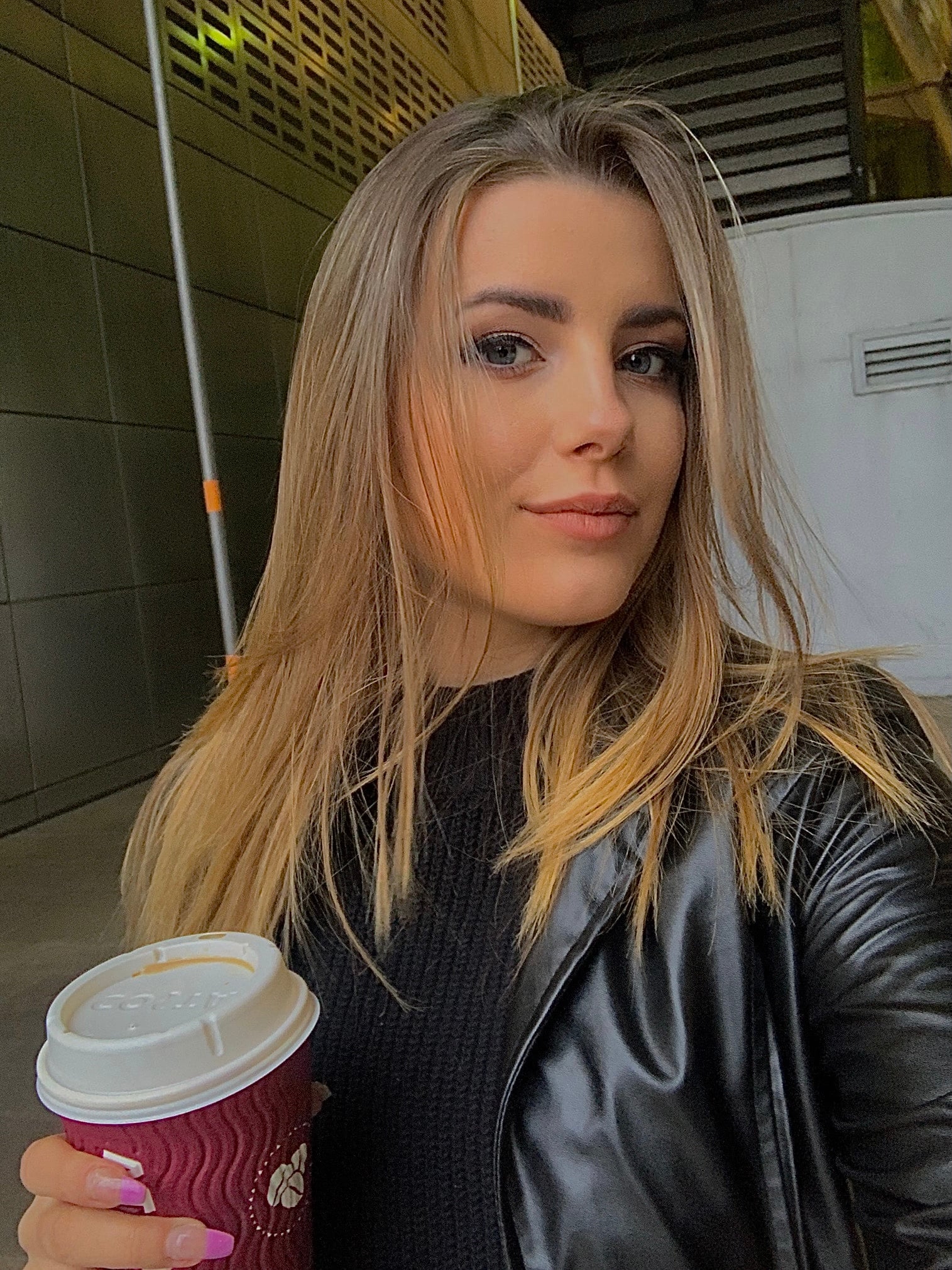
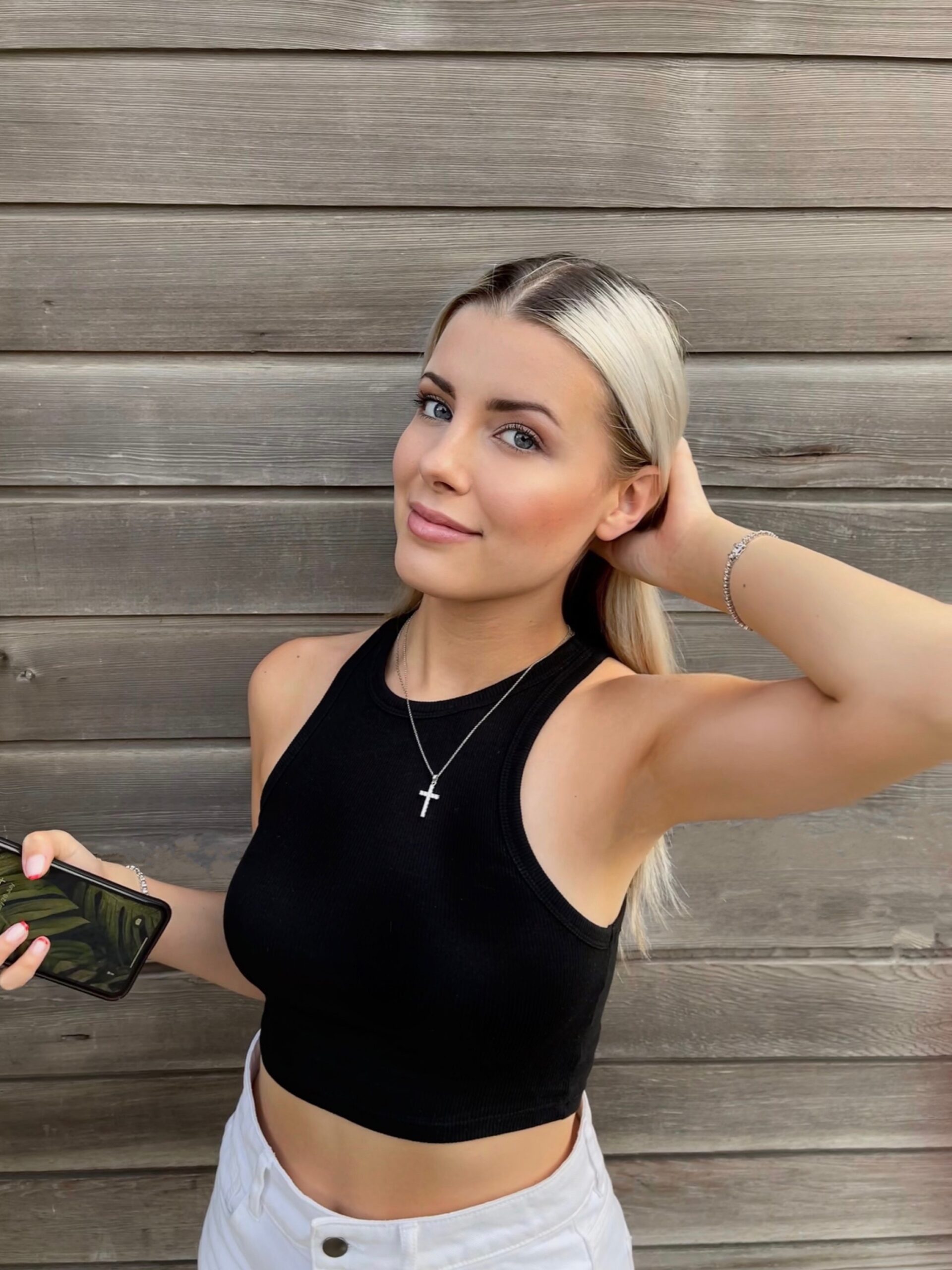
Velena Nikolova
Co-Founder and Creative Director
Velena Nikolova is Creative Director and the person on camera. A lifestyle creator featured in Women's Health, she shoots the photographs that go through this pipeline. More on the about page.
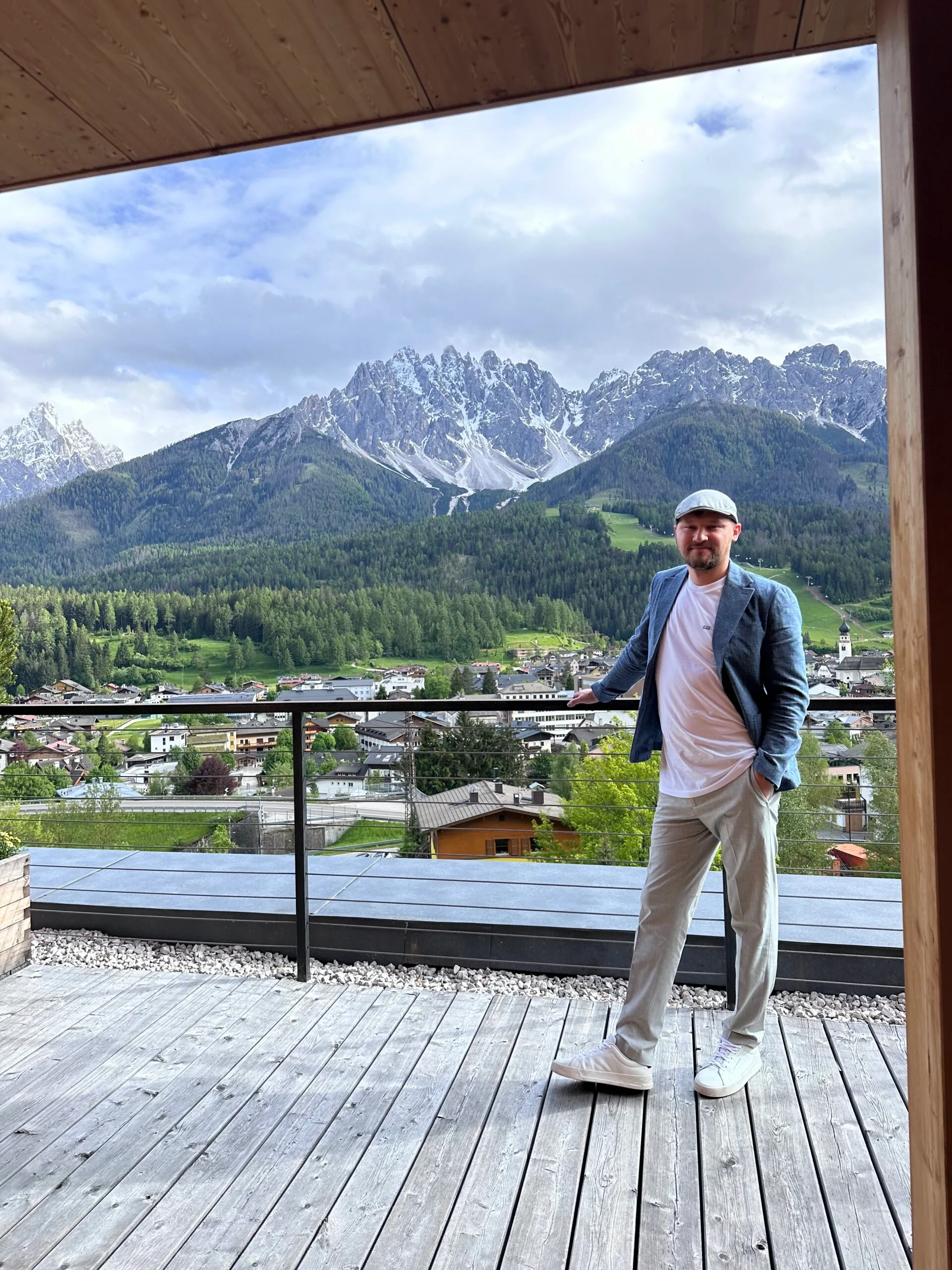
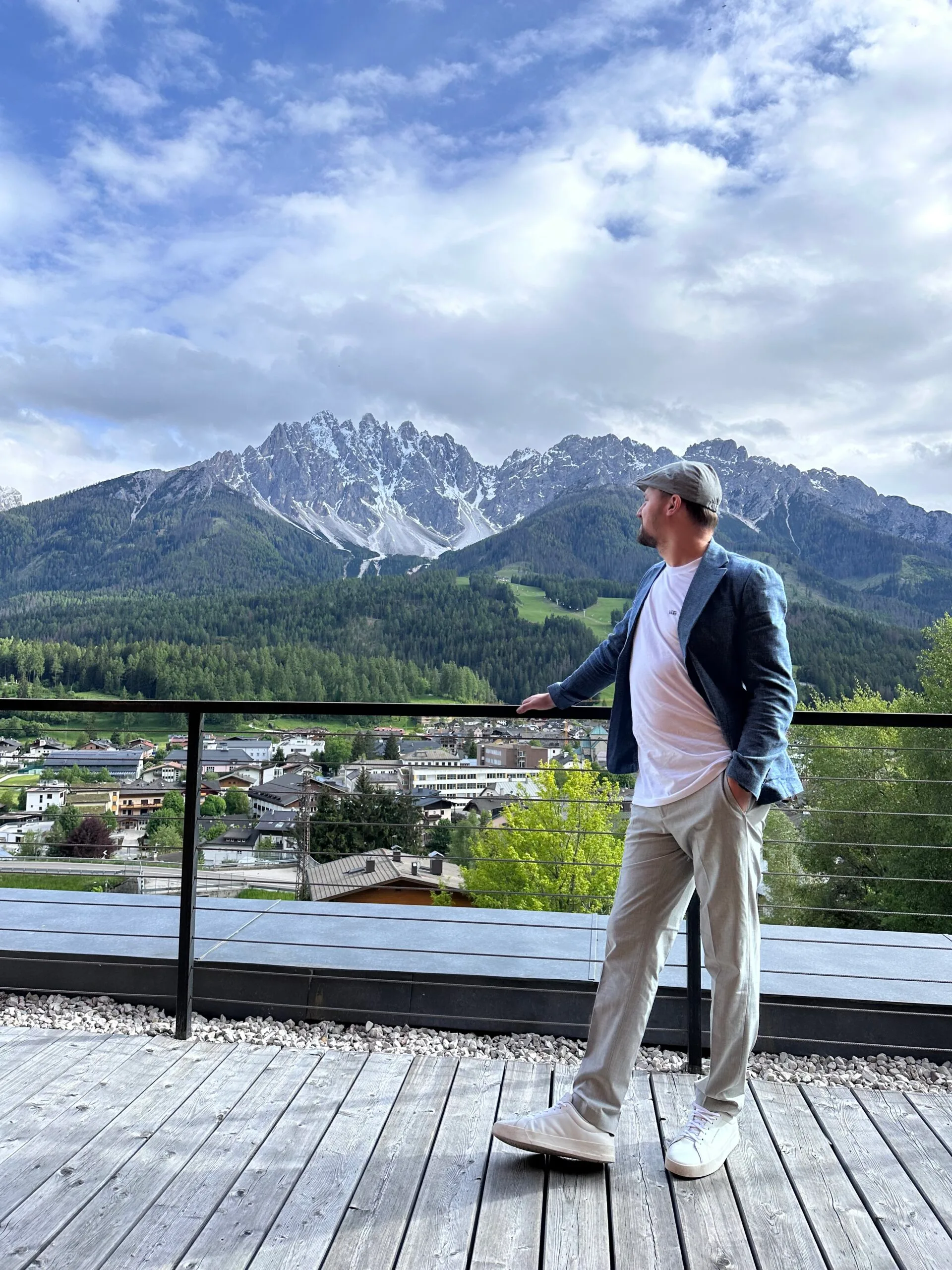
Dragos Nistor
Co-Founder and Business Strategist
Dragos Nistor handles the technical side of every build we do, including the image pipeline on client sites, and wrote this converter. Named a LinkedIn Top Entrepreneurship Voice in 2024. More on the case studies.
Images are one input into a fast site
Getting them right is the fastest win available and rarely the whole story. We have worked with 100+ brands since 2022 and build and maintain WooCommerce stores as well as running social. We reply within one business day, and nothing is built or filmed until the brief is agreed in writing.