
- You can make your first portfolio from products you already own: Velena's first ten test videos featured her favourite products, restaurant meals and hotel stays.
- Edit short and hook early. Free apps such as CapCut and Meta's Edits are enough, and Instagram now allows Reels of up to three minutes.
- A simple free website and a watermarked media pack are a complete portfolio. Show a mix of formats, and decide your prices before brands ask.
- Brands that run adverts have budgets. The Meta Ad Library shows which ones, and a personal message to the right person beats a hundred copied ones.
- Your first client is worth more as your second, third and tenth job. Keep in touch every couple of months, and treat the work as a business, with tax and labelling rules, from day one.
How Velena's first UGC job started
Velena had been doing micro-influencer work on the side for a long time, hoping to turn it into a career, when an email arrived that changed how she thought about it. A brand wanted videos for its own internal use. Nothing had to be posted on her social media at all. That, in one sentence, is what UGC (user generated content) means for a creator: you are paid for the content, and the brand decides where it runs.
The brand asked for her portfolio, and she did not have one. She pointed them to her Instagram, which was full of product photographs but did not have a single video. The brand's social media manager gave her the advice that started everything: pick your favourite product, film yourself using it, and say why you love it.
So she did, ten times. She filmed the products she already loved, and moments she was already living, such as a meal at a restaurant and a hotel stay, and turned them into short videos. Those ten videos became her first portfolio, and that portfolio became the start of the work our team does for brands today.
That was 2023. The tools, the platforms and the rules have moved on since, so this guide keeps the five steps Velena followed and brings every one of them up to date for 2026. It is written for anyone learning the trade, and it is the advice we give freely to new creators who ask us. If you are a brand, there is a section near the end for you.
Step 1: make your first UGC videos with what you own
You do not need a brand to say yes before you start. You need proof that you can make the kind of video a brand would pay for, and you can make that proof with the products in your bathroom, kitchen and wardrobe today.
The trick is variety. Brands look at a portfolio and ask one question: can this person make the video I need? A portfolio of ten nearly identical clips answers it for one brand. A portfolio that shows several formats answers it for many. These are the formats worth covering first, with examples of each from our own work:
- UnboxingFirst impressions on camera, from the parcel to the first use. It shows packaging and quality at once, which is why brands launching a product ask for it. See our unboxing work.
- Product showcase or routineThe product woven into a real moment: a morning routine, getting ready, making breakfast. It answers "how would I use this?" without a word of selling.
- Product reviewAn honest look at what the product does and how it feels to use. Talk about the qualities and the results you actually saw, and nothing you cannot stand behind. See our product reviews.
- An outingA restaurant, a bar, a shop or a class, filmed as a guest would see it. Velena's first portfolio included a meal at a restaurant she loved. See our hotel and restaurant work.
- TravelA hotel room, a flight or a holiday rental, filmed the way a guest experiences it. Venues and travel brands need this constantly. See our travel videos.
- How-toYou as the guide, showing how a product, a service, an app or a website works, step by step. This is the format software and service brands buy. See our app and software videos.

A few practical rules make the difference between a test video and one a brand would run. Film vertically, in daylight, facing a window. Keep the background tidy and real: a home, not a studio. Hold the product close to the lens when you talk about it, and show it in use, not just in your hand. Speak as you would to a friend, because the whole point of UGC is that it feels like a recommendation rather than an advert.
Be careful with other brands' names and claims. If you film a product you bought, you are free to say what you honestly think of it, but do not invent results, and do not present a test video as if the brand paid for it. When you send your portfolio to a brand, say plainly that these are samples you made yourself.
Not sure which formats matter most for the brands you want to work with? Our guide to UGC examples breaks down twelve types, with what makes the good ones work.
Step 2: edit your first UGC videos
Once you have filmed, the edit is where a clip becomes a video. Velena edited her first videos in CapCut, which is still one of the most popular free editing apps. In April 2025 Meta added its own free editing app, Edits, built around Instagram Reels and able to export without a watermark, as Buffer's guide to Edits explains. Either is enough to start; our guide to editing apps compares more.
Whatever you use, the same few rules apply:
For inspiration, watch what is working on Reels and TikTok in your niche, and look at the brands' own accounts for the products you filmed: their pacing, their colours and the way they talk. Staying close to current trends makes your samples feel fresh.
Music needs one warning that catches many new creators. Trending sounds on a personal account are one thing; a brand using a video in its marketing is another. TikTok, for example, says businesses cannot use its general music library for commercial content and offers a Commercial Music Library instead. For portfolio videos you plan to send to brands, use music that is cleared for commercial use, or a voiceover, so a brand can run the video without having to re-edit it.
Step 3: build your UGC portfolio

When your videos are edited, with music or a voiceover, put them in one place a brand can open in a single click. Velena built her first portfolio as a free website on Canva, and that is still a good choice: Canva lets you publish a website for free on a Canva address, as its help centre explains. Share the link and you are ready.
A good portfolio does four jobs, in this order:
- Shows the work firstYour strongest three videos at the top, playable straight away. A brand decides in seconds.
- Shows your rangeThe formats from step one, labelled, so a brand can find the one it needs.
- Says who you areOne short paragraph: where you are based, the categories you know, and the kind of brands you love working with.
- Makes booking easyAn email address and, if you choose, your prices.
Velena also kept a media pack in Google Drive, with extra samples for brands that wanted to see more before deciding. That is still worth doing. Add a watermark to every sample in it, so a video sent to a brand cannot be used without paying for it.
Then there is the question every new creator asks: should my prices be in my portfolio? Velena shows hers, because her rates are fixed and rarely change. If you are just starting, your prices may be more flexible, and a range ("from") can work, though brands may try to negotiate down. Velena's advice was to price single videos and packs of five, and not to worry much about photos, because brands buying UGC are mostly buying video; still, have a photo price ready in case someone asks.
Two things have changed since then. The first is usage. A brand using your video on its own channels is not the same as a brand running it as a paid advert for a year, and the price should reflect that. The second is that the market is easier to read. Collabstr's 2026 report, based on more than 21,000 collaborations on its platform, found brands paid an average of 197 US dollars per UGC collaboration in 2025 (Collabstr, 2026 influencer marketing report). Our free UGC rate calculator prices the video and the usage separately, and our guide to UGC rates in the UK explains what moves a quote.
Step 4: send your UGC portfolio to brands
With a portfolio ready, it is time to reach out, widely and personally. Velena's favourite place to find brands was, and still is, Instagram. Social media managers, the people who hire and brief UGC creators, often run the brand accounts themselves, so a thoughtful direct message can reach exactly the right person. Once you understand that, your first jobs get much closer.
Her second tip was to notice adverts. If a brand is paying to advertise, it has a marketing budget and it needs a steady supply of content, which is what you make. Velena used to screenshot adverts that appeared in her and her friends' Instagram Stories, then contact those brands later, and she landed a good number of jobs that way. Today there is a quicker route: the Meta Ad Library shows every advert a business is running on Facebook and Instagram, so you can see who is advertising, and in what style, before you write. TikTok has a similar searchable Commercial Content Library of adverts in the regions it covers.
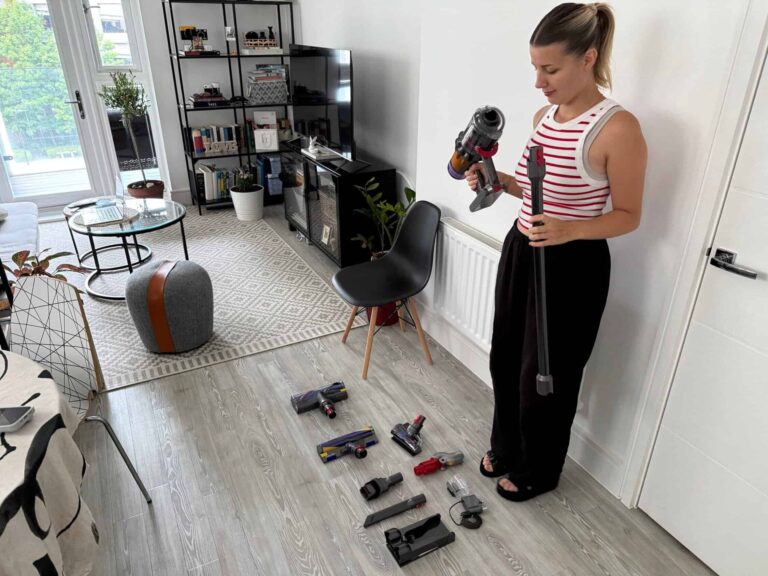
There are also sites built to connect brands with creators. Velena's favourite was Social Cat, which lists brands looking for creators for video or photo content. Some opportunities on sites like it ask you to post on your own account, often for product rather than a fee at first; in Velena's experience, once you have a run of five-star reviews, the paid jobs follow. One brand Velena worked with through such a site was so pleased that it asked her to interview as its social media manager. It did not work out, because their goals differed, but it showed how quickly one job can lead to the next.
Fiverr and Upwork are two more places where businesses hire self-employed creators. Fiverr works differently from most: brands find you, rather than you pitching them. Within a week of joining, Velena landed a job with a brand that left her a five-star review. Both sites take a fee from every order, so read their current fee pages and price with that in mind.
The platforms have added their own tools, too. Instagram opened its tool for brands to find creators to the UK in 2024, as Lindsey Gamble reported, and TikTok moved brand and creator matching into TikTok One in 2025, as TechCrunch reported. Keep your professional account details complete on both, so you can be found.
Velena's last tip in this step matters most: use all of these at once, not one at a time. And when you write to a brand, make it personal. Mention a product of theirs you genuinely love, say why their brand fits your content, and suggest one specific video idea. A brand should feel it is reading a message written for it, not one sent to a hundred others. Our guide to how brands find UGC creators shows the process from the other side, which is useful when you are deciding where to be seen.
Step 5: turn one job into long-term clients
The step most new creators skip is the one that builds a career. When you finish a job for a brand, do not let the relationship end there. Save the contact, note what you made and how it went, and get in touch every couple of months. Marketing budgets change often, and a brand with no budget this month may have one next month. You want to be the first person they think of when it arrives.
Make every check-in useful. Send a new idea for their product, a short example of a format you have recently made, or a trend you think would suit them. That is a reason to reply, not a reminder that you exist.
This is exactly how Velena's first long-term client came about. A client who liked her UGC booked her for a paid photoshoot as a model, though she had little modelling experience, simply because of the videos she had made. After the shoot, they made her their regular UGC creator, paid every month on a long-term basis. One good job, followed up well, became a monthly income.

When a client wants regular work, agree it properly. Set out how many videos a month, the formats, the usage rights, the fee, when you invoice and how either side can end the arrangement. A monthly agreement in writing protects both of you and makes the income something you can plan around.
Run your UGC work as a business from day one
The original version of this guide stopped at step five. In 2026 we would add a sixth: treat the work as a business before it feels like one, because the rules apply from your first job, not your hundredth.
If you are weighing up whether to do this full time, our guide to graduating into the creator economy compares a job, a sole trader business and a limited company over twenty years, using current UK tax rules.
Five mistakes we see new UGC creators make
- One format onlyA portfolio of ten talking heads limits you to brands that want talking heads. Cover the six formats in step one.
- No hookStarting with "Hi, so today I want to show you" loses most viewers. Start with the moment that matters.
- Pricing on the callWork out your rates calmly before the conversation, including usage, so you are not inventing a number under pressure.
- Sending clean files before paymentSend watermarked previews and the final files when the invoice is paid.
- Going quiet after a jobThe relationship is the asset. A check-in every couple of months costs a few minutes and is how repeat work starts.
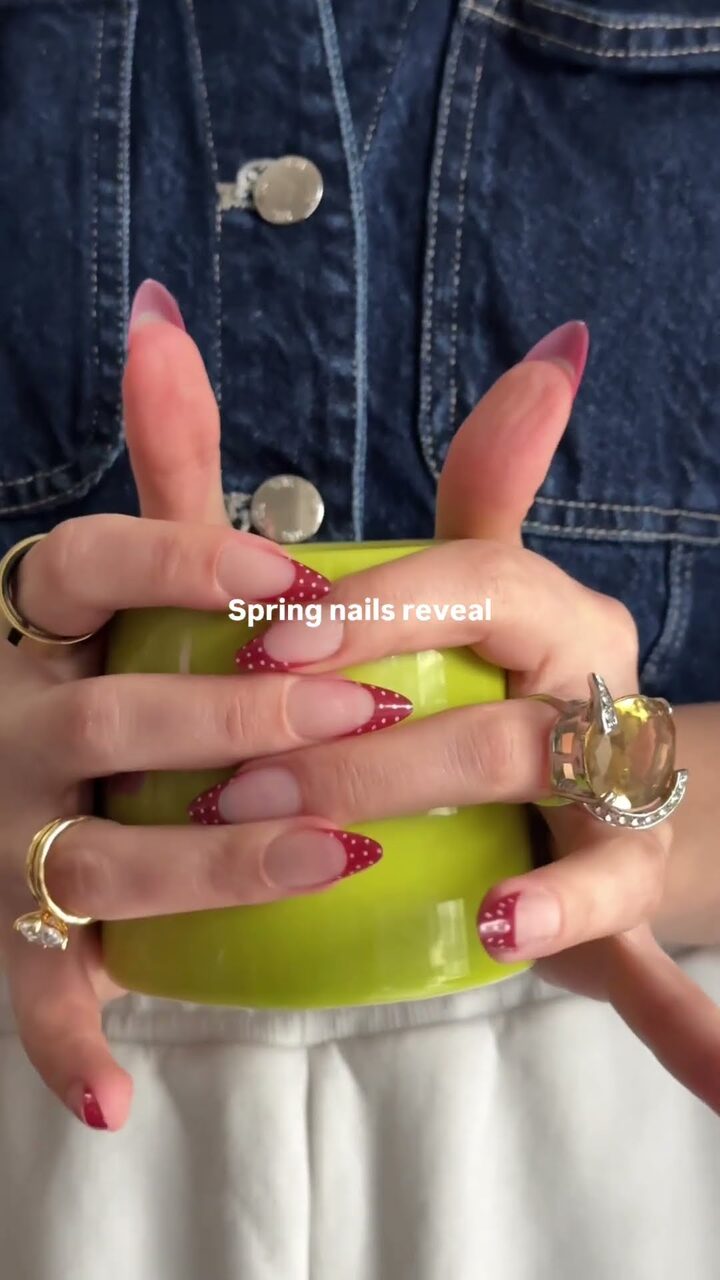
If you want to see what a finished, briefed UGC video looks like at professional level, the videos below are from our portfolio. Tap one to play it.


For brands: what this means when you buy UGC
If you are a brand, the five steps above are also a checklist for judging any creator you hire. Look for a portfolio with range, hooks that land in the first seconds, prices you can read and usage rights in writing. Brief clearly, pay on time, and the best creators will want to work with you again.
If you would rather have it handled, our team plans, films and edits UGC in house, and you choose who is on camera: Velena, Dragos, both, nobody with a voiceover, or no preference, at the same price. Every package has its price on the page, and nothing is filmed until you have approved the brief. Here are the four lifestyle packages, each at its starting price:




For a venue, the same idea scales up: our restaurant content packages start with the Restaurant Content: Menu Spotlight, and our hotel content packages with the Hotel Content: The Property Film. Our guide to what UGC is covers formats, rights and the UK rules in full.
Starting out in UGC: questions
How do I start making UGC with no experience?
Film your own short videos with products you already own, in several formats: an unboxing, a routine, a review, an outing, a travel moment and a how-to. Edit them short, with a strong opening, and put them in a simple free portfolio. That is exactly how Velena made her first ten videos.
Do I need a big following to do UGC?
No. With UGC the brand pays for the content and publishes it on its own channels, so your follower count matters far less than the quality of your videos. Brands that want your audience are buying influencer marketing, which is a different job.
Which app should I use to edit UGC?
Free apps are enough to start. CapCut is widely used, and Meta's Edits, launched in April 2025, is built around Instagram Reels and exports without a watermark. Choose one and learn it well.
Should I put my prices in my portfolio?
It helps if your rates are settled. If you are new, a "from" price or a range works, priced per video and per pack. Remember that usage changes the price: a video run as a paid advert should cost more than one for organic use.
Where can I find brands to work with?
Instagram direct messages to the people who run brand accounts, brands you can see advertising in the Meta Ad Library, sites that connect brands and creators such as Social Cat, Fiverr and Upwork, and the platforms' own tools for brands to find creators. Use several at once.
How do I get repeat UGC clients?
Keep every contact, get in touch every couple of months with a new idea or example, and agree regular work in writing when a client is ready. Velena's first monthly client came from following up after a single job.
Do I pay tax on free products I get for UGC?
Items you receive in return for content can count as income, alongside cash, and both count towards the trading allowance. The government's tax rules for content creators explain when you need to register and file a return.
Do I need to label UGC as an ad?
If the brand posts your video on its own channels, it is the brand's marketing. If you post it on your own account in return for payment or a gift, label it clearly, with "Ad" at the very start.
- Buffer, Instagram's Edits app explained
- Instagram Help Centre, record a reel on Instagram
- TikTok for Business, About the Commercial Music Library
- Canva Help Centre, publishing websites for free
- Collabstr, 2026 influencer marketing report
- Shopify, how to use the Meta Ad Library
- Lindsey Gamble, TikTok launches its Commercial Content Library
- Lindsey Gamble, Instagram expands its creator tool to new regions
- TechCrunch, TikTok moves creator matching into TikTok One
- HM Government, tax rules for content creators
- GOV.UK, Register as a sole trader
- ASA and CMA, Influencers' guide to making clear that ads are ads
A question this article did not answer? Ask our team, and a person will reply.